Time Entry UI
The Time Entry UI is seen by employees when they add or edit time entries on their timesheet. It is a dynamic experience that can be adjusted and configured within the Decisively Interview process, with no code required.
Configuration
Your Time Entry interview will differ depending on your exact requirements and rulebase and will be set up by Imminently during your initial deployment.
You can modify this interview at any time by going into the Decisively project that controls your rules and navigating to the "Interview" editor. This will display the interview configuration screen allowing you to make necessary adjustments.
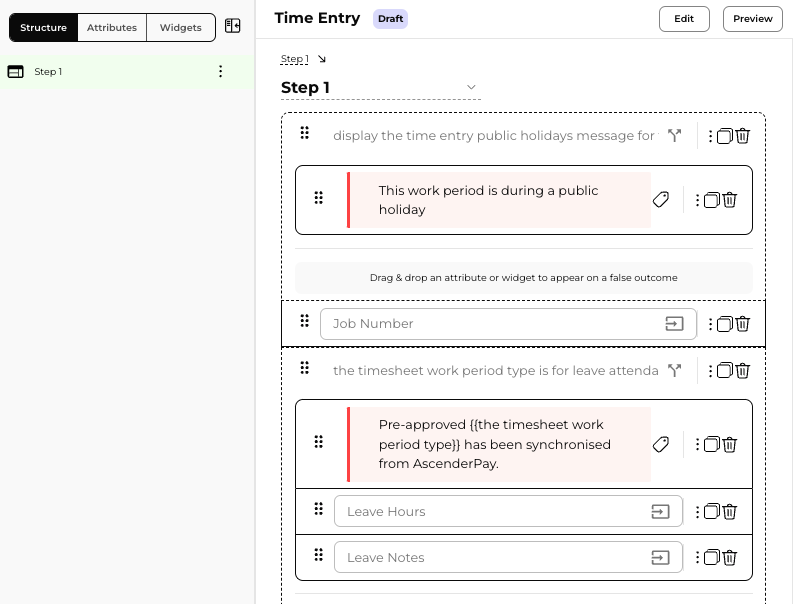
Please see Decisively Training documentation for more information on how to adjust an interview.
Changes made to the interview will automatically appear to users so make sure to develop in a non-production release first and then promote